This guide provides a straightforward process for deleting a user in the Listonce Dashboard, ensuring that you can manage your user access efficiently. By following these simple steps, you can swiftly revoke access to users, maintaining control over your dashboard environment. It's essential for keeping your data secure and managing your team effectively.
1. Navigate to https://listonce.com.au/dashboard/
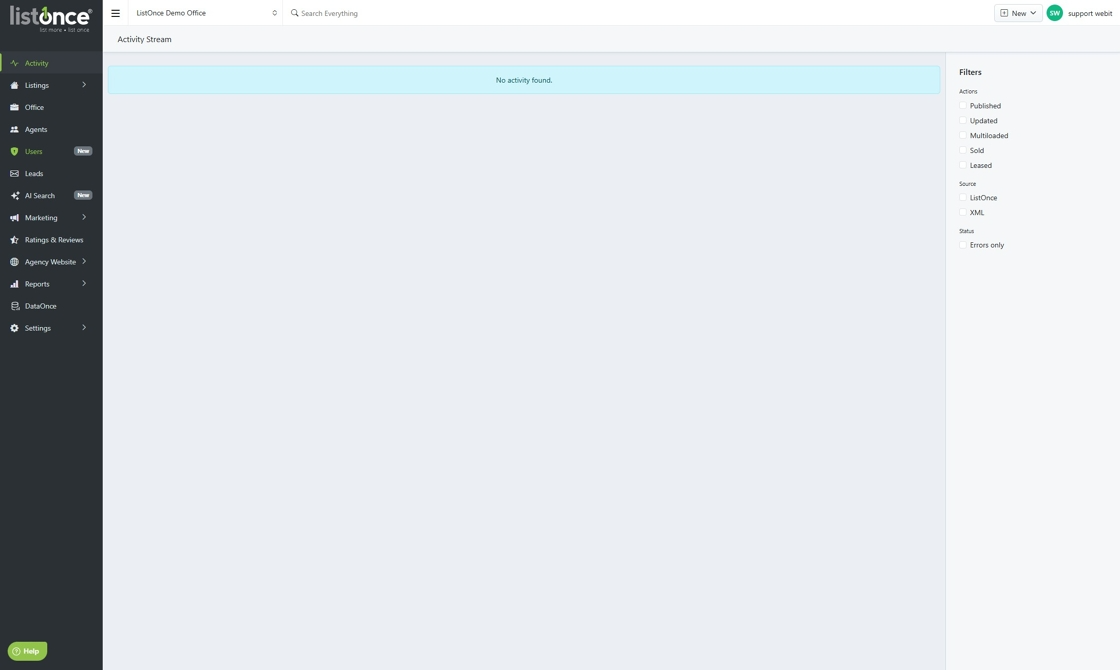
2. Click "Users"
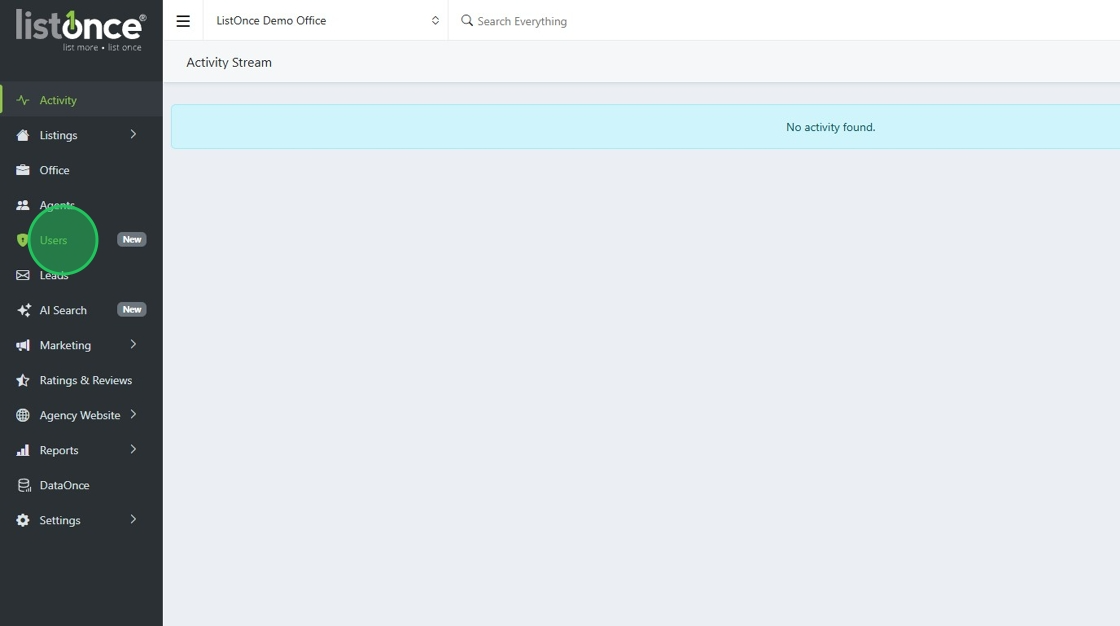
3. Click here for the User you wish to revoke access.
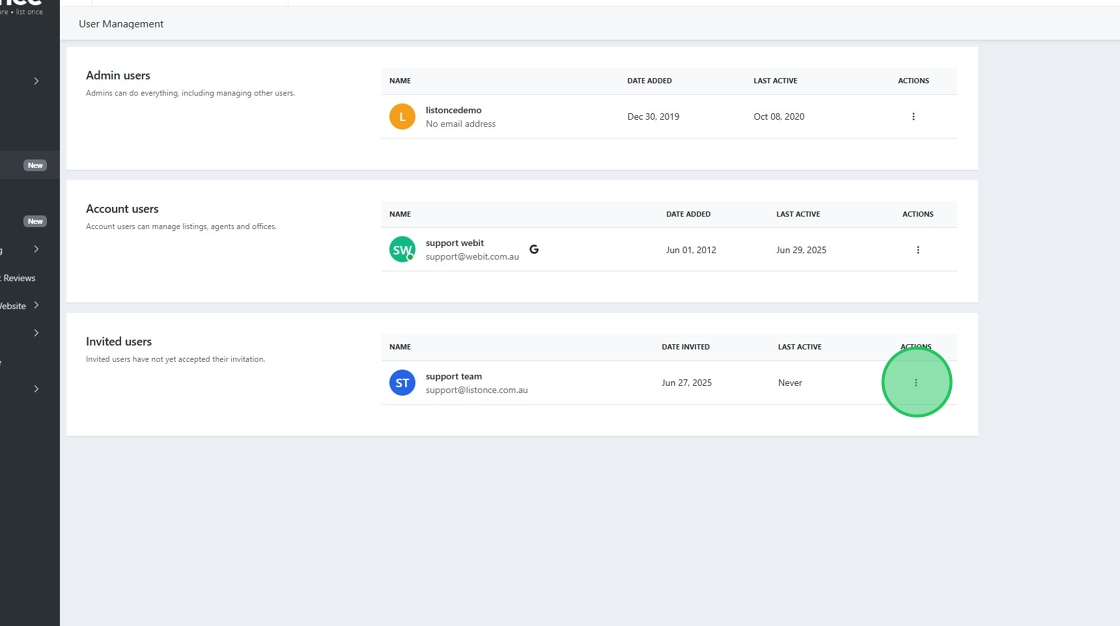
4. Click "Delete"
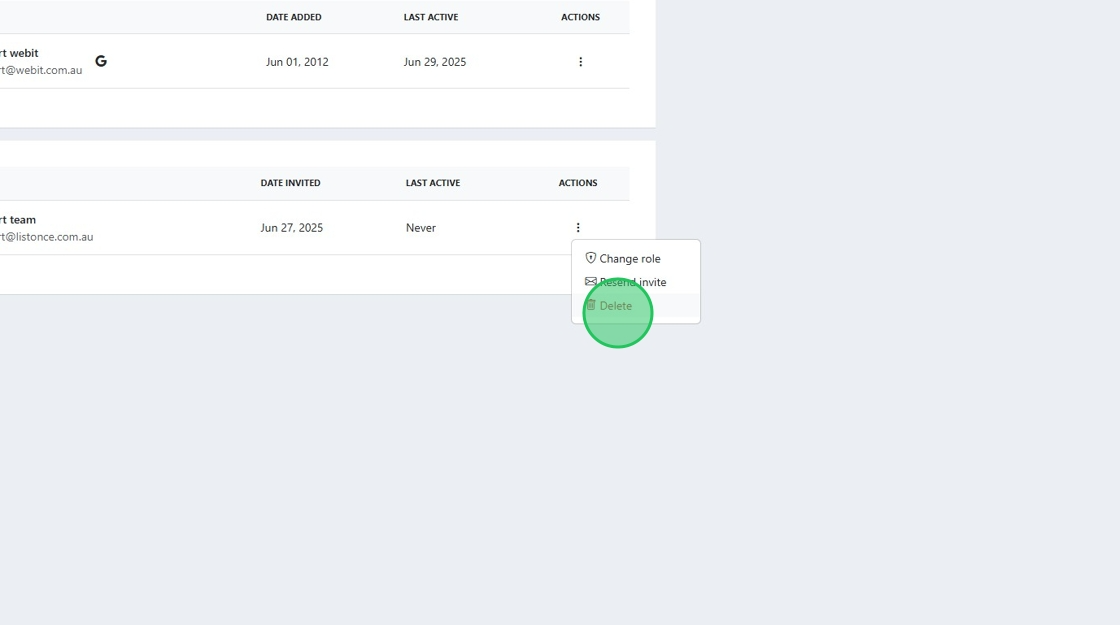
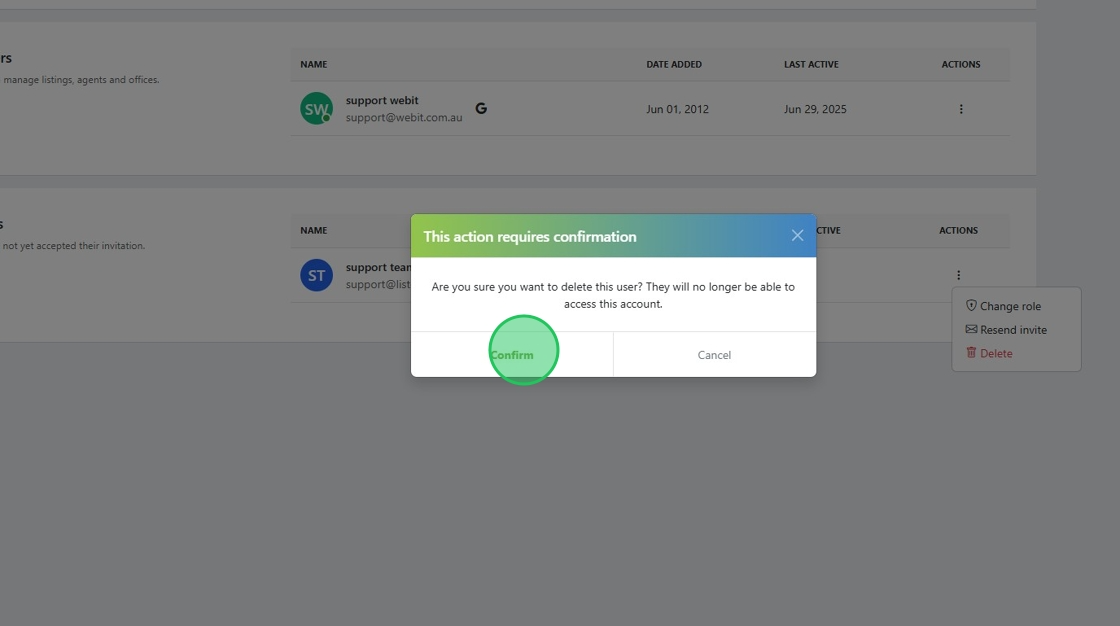
5. Click "Confirm"
Was this article helpful?
That’s Great!
Thank you for your feedback
Sorry! We couldn't be helpful
Thank you for your feedback
Feedback sent
We appreciate your effort and will try to fix the article