This guide highlights the importance of managing user access within ListOnce, allowing administrators to efficiently oversee who can access the account and their specific permissions. By following the steps outlined, users can quickly navigate to the dashboard and utilise the User management feature, ensuring a secure and organised multi-user experience. This is essential for maintaining control and facilitating collaboration within teams.
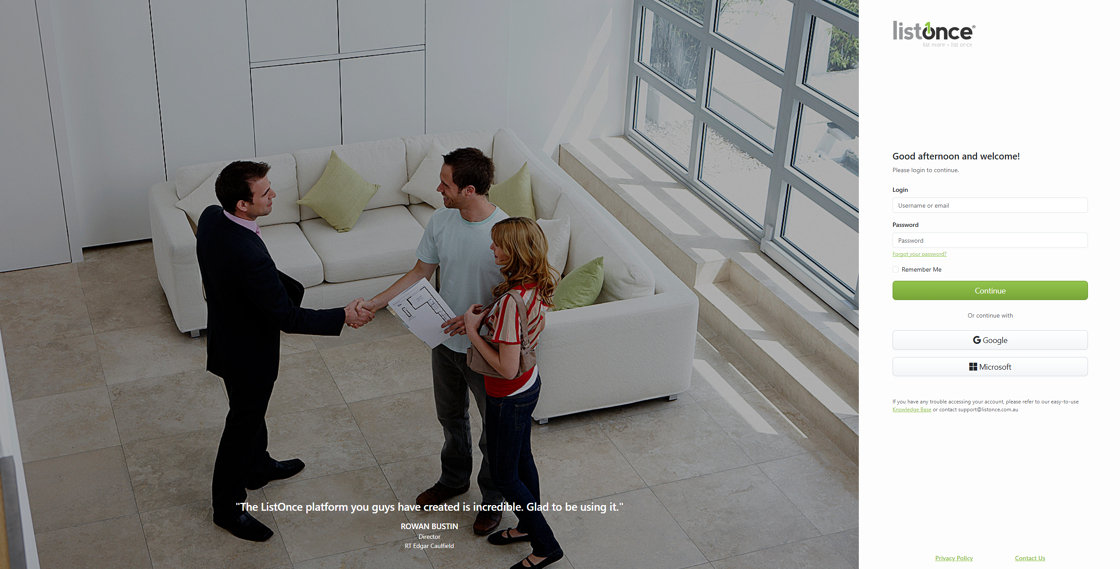
1. Log in
via your preferred method
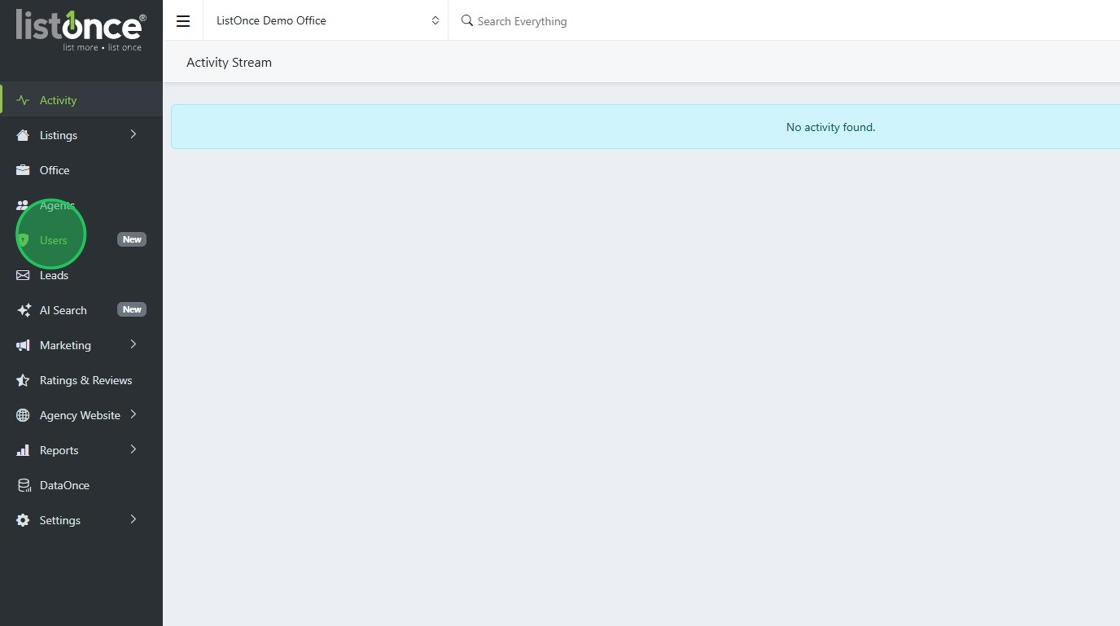
2. Click "Users"
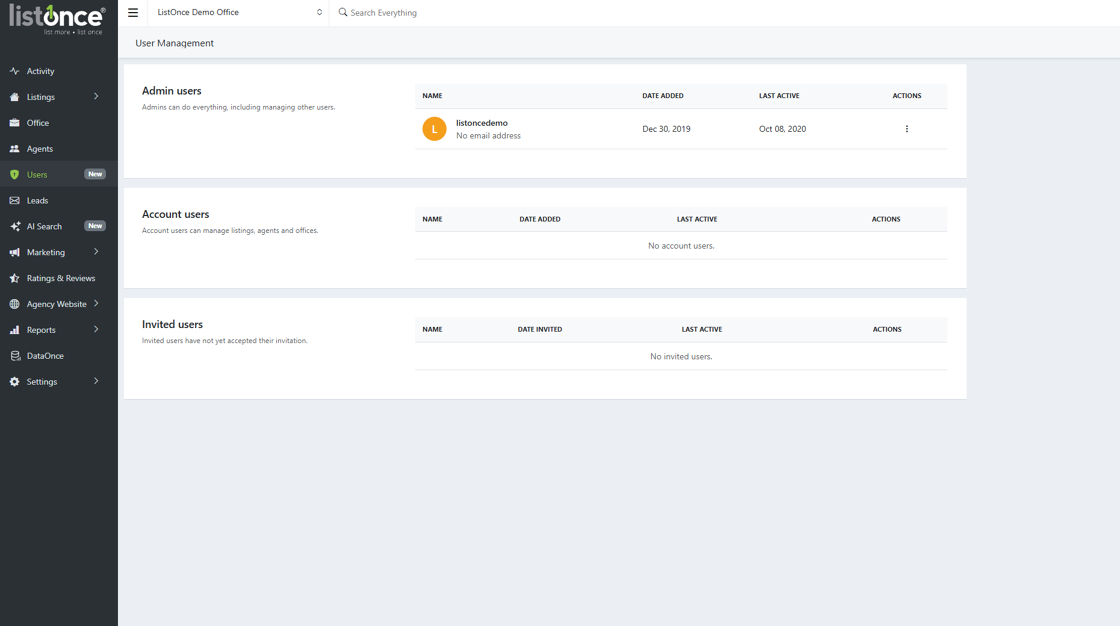
3. Under the "Users" tab, you have access to User management, which will give you full control as an admin over who can access your account and the permissions they have.
Was this article helpful?
That’s Great!
Thank you for your feedback
Sorry! We couldn't be helpful
Thank you for your feedback
Feedback sent
We appreciate your effort and will try to fix the article