This guide provides a straightforward process for logging into your Listonce account using your Google credentials. It simplifies the steps, ensuring you can access your account quickly and efficiently. Whether you're new to the platform or need a refresher, following these instructions will save you time and reduce frustration. Perfect for anyone looking to streamline their login experience!
1. Navigate to https://listonce.com.au/accounts/login/
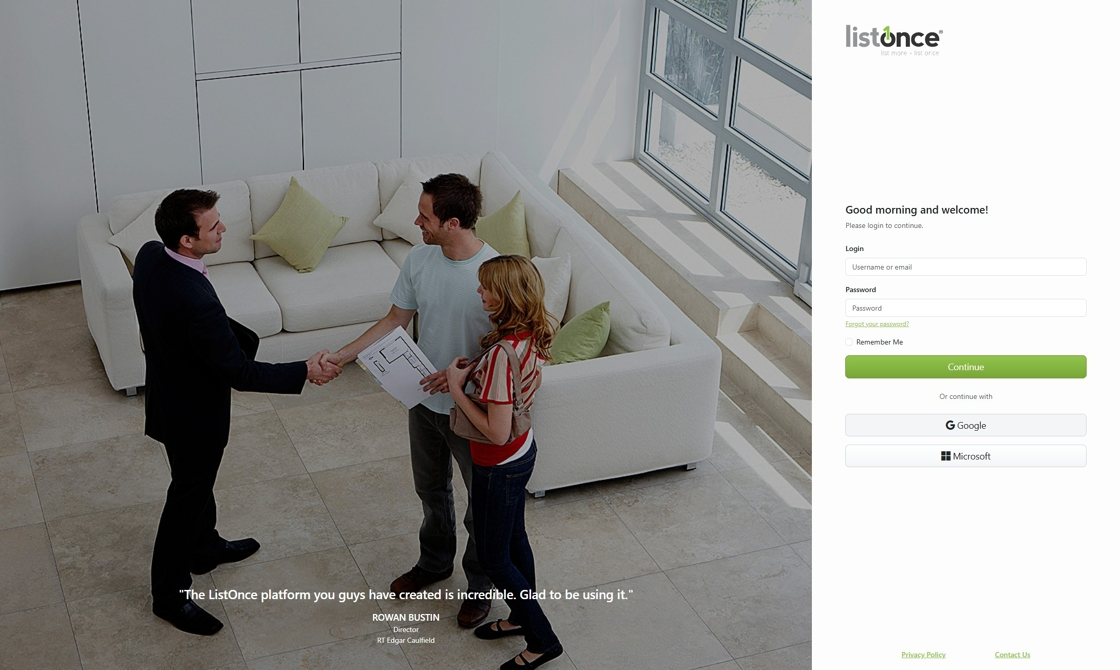
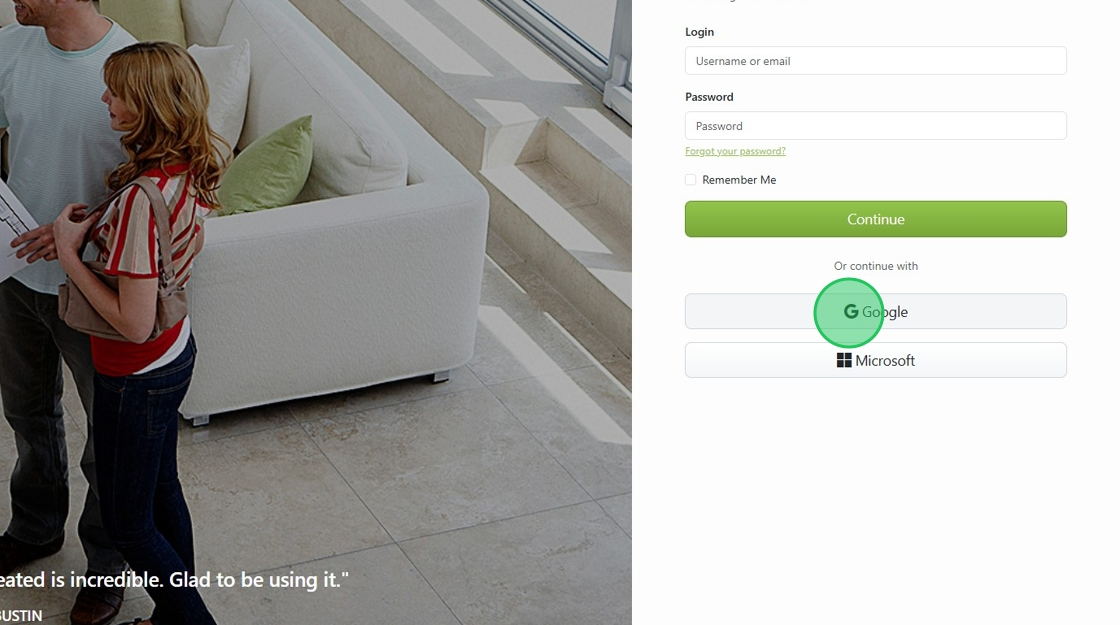
2. Click the Google button.
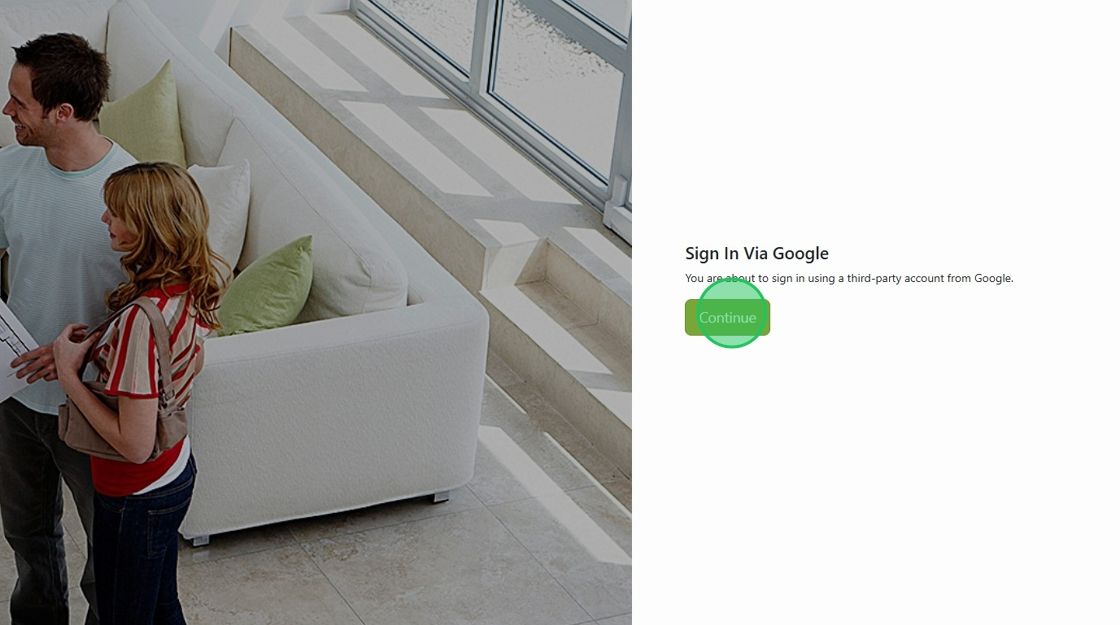
3. Click "Continue"
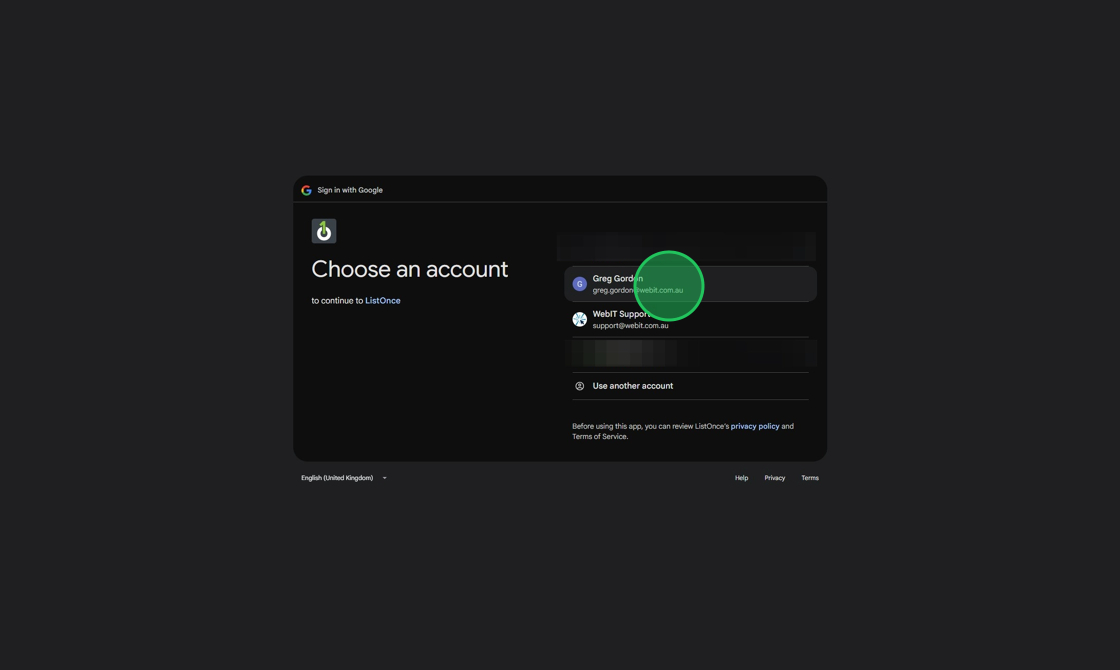
4. Click the account you wish to connect with ListOnce
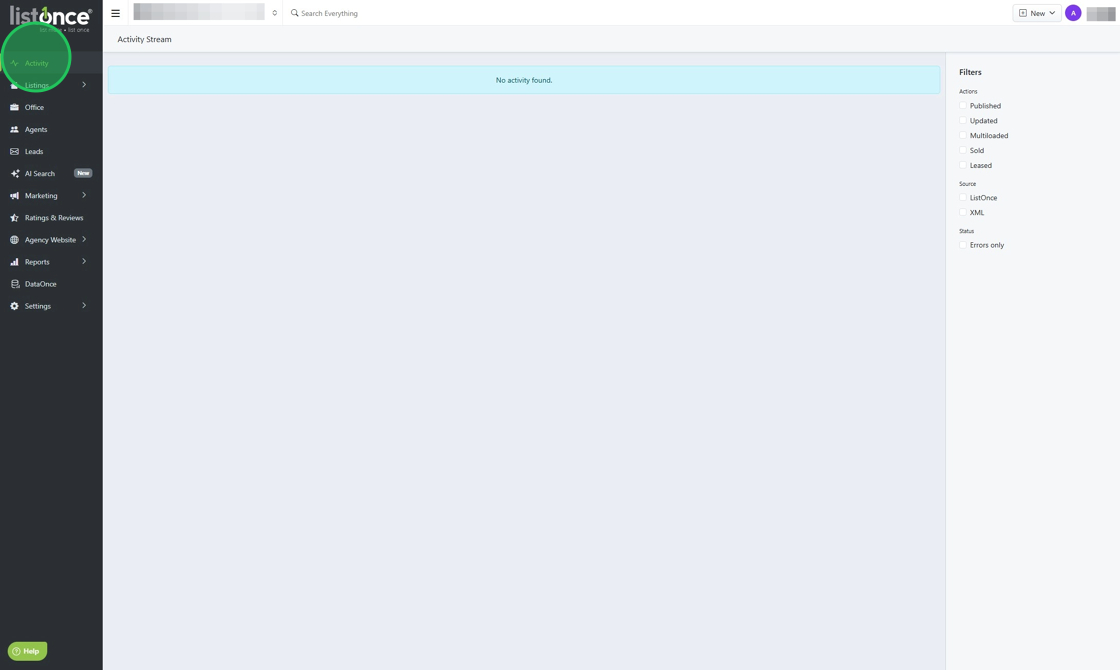
5. You should now have access to your dashboard
Was this article helpful?
That’s Great!
Thank you for your feedback
Sorry! We couldn't be helpful
Thank you for your feedback
Feedback sent
We appreciate your effort and will try to fix the article