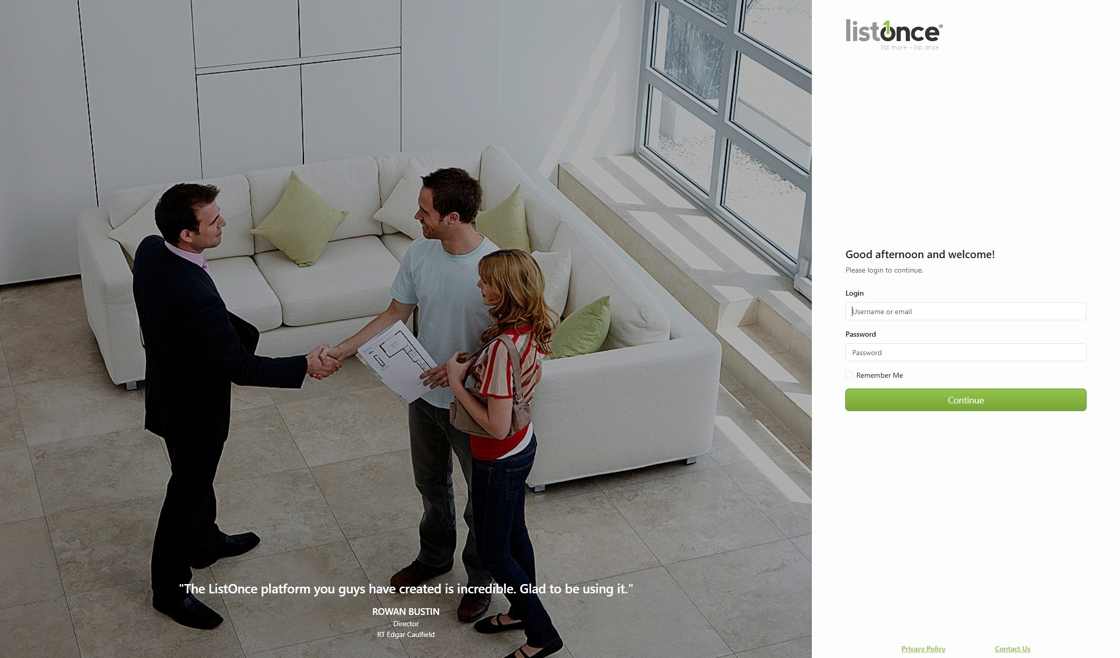
1. Navigate to https://listonce.com.au/accounts/login/
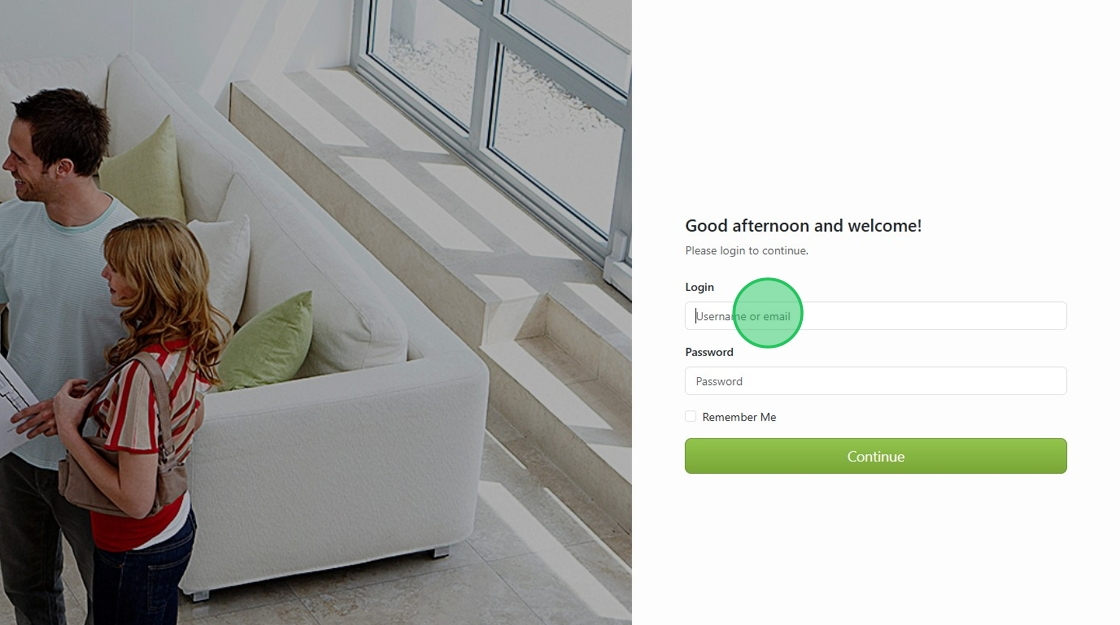
2. Login to ListOnce using your credentials
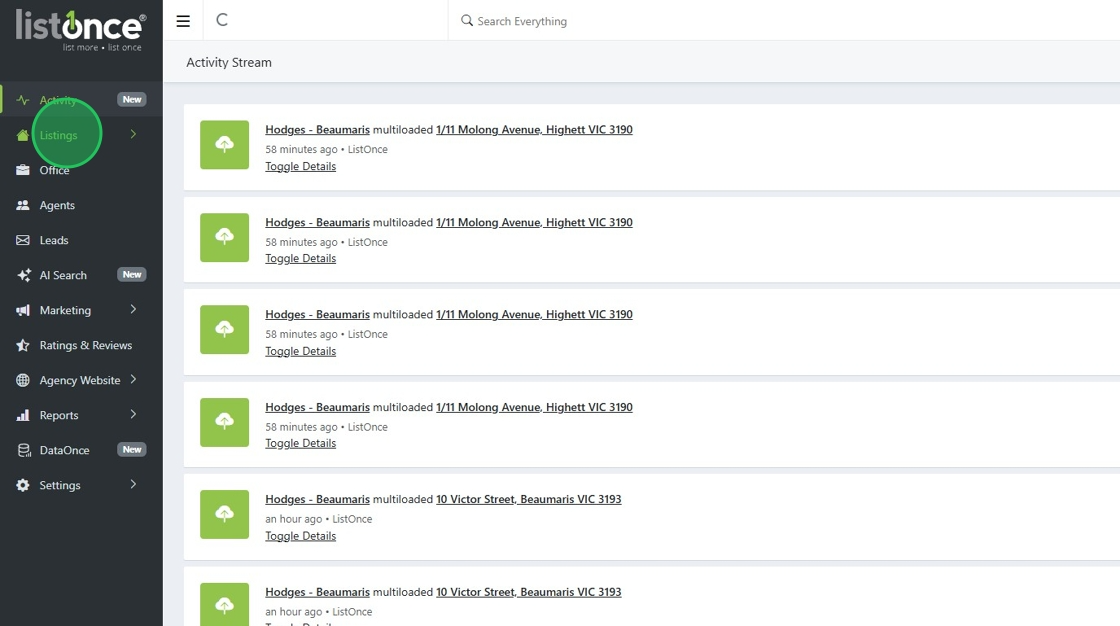
3. Click "Listings"
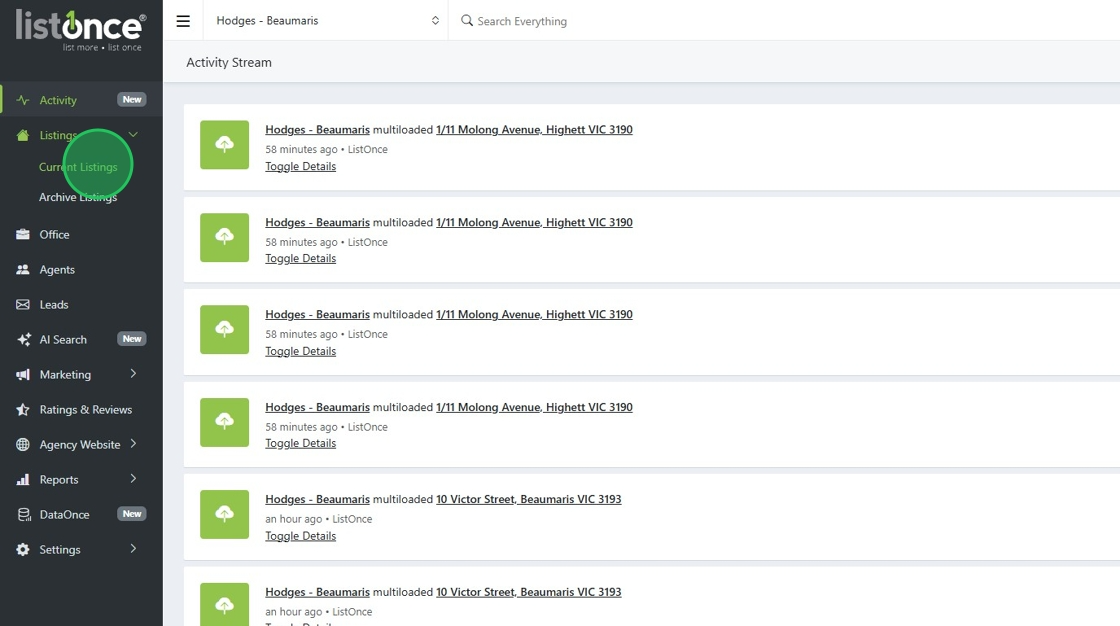
4. Click "Current Listings"
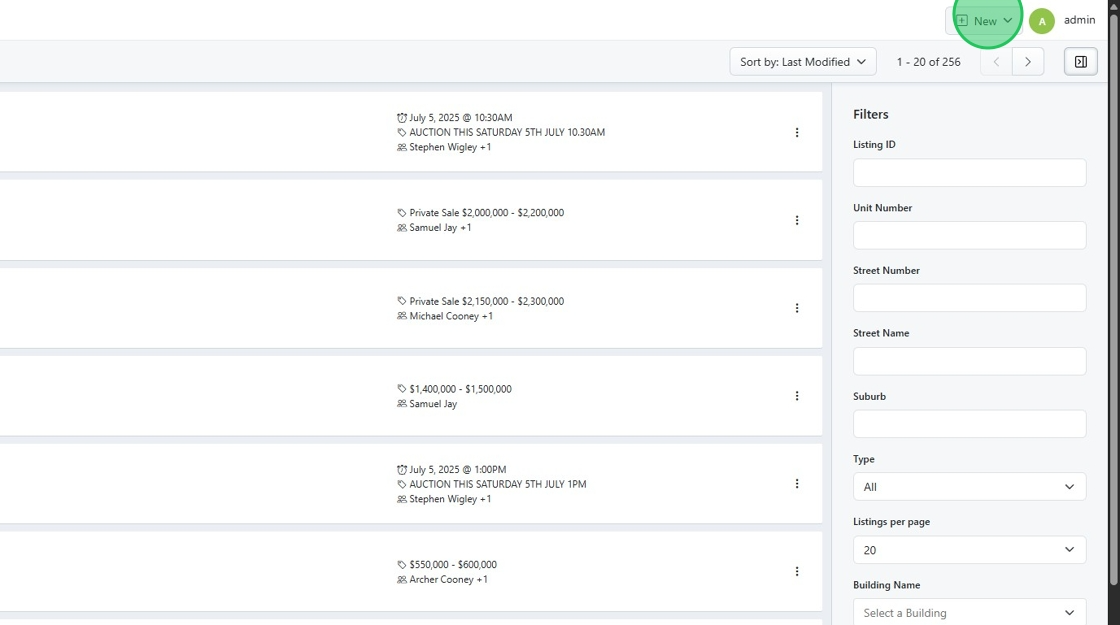
5. Click "New"
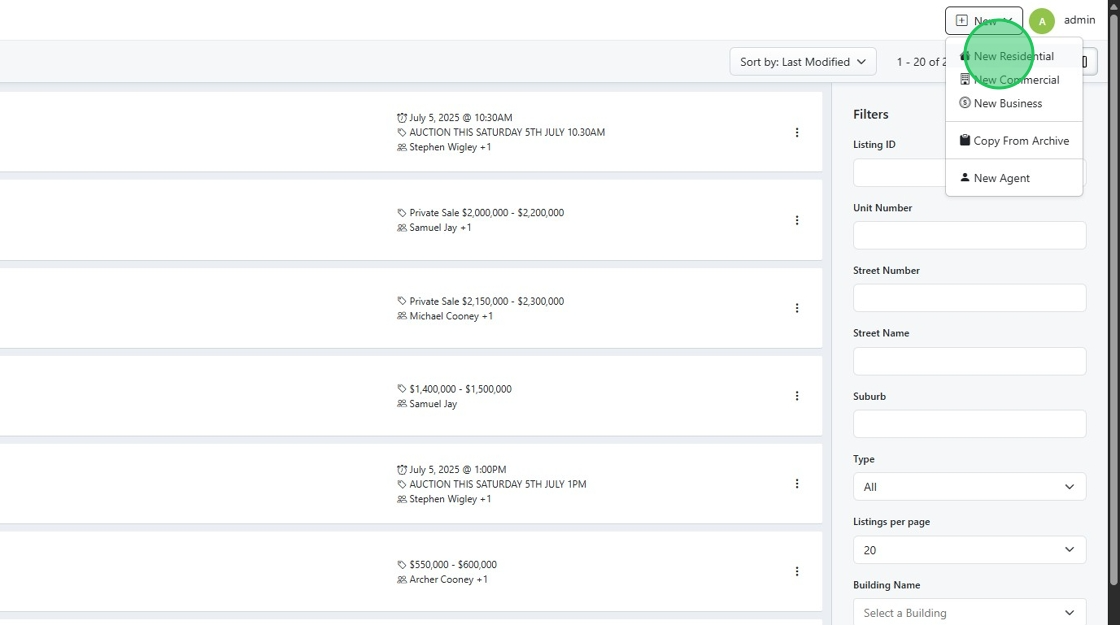
6. Click "New Residential"
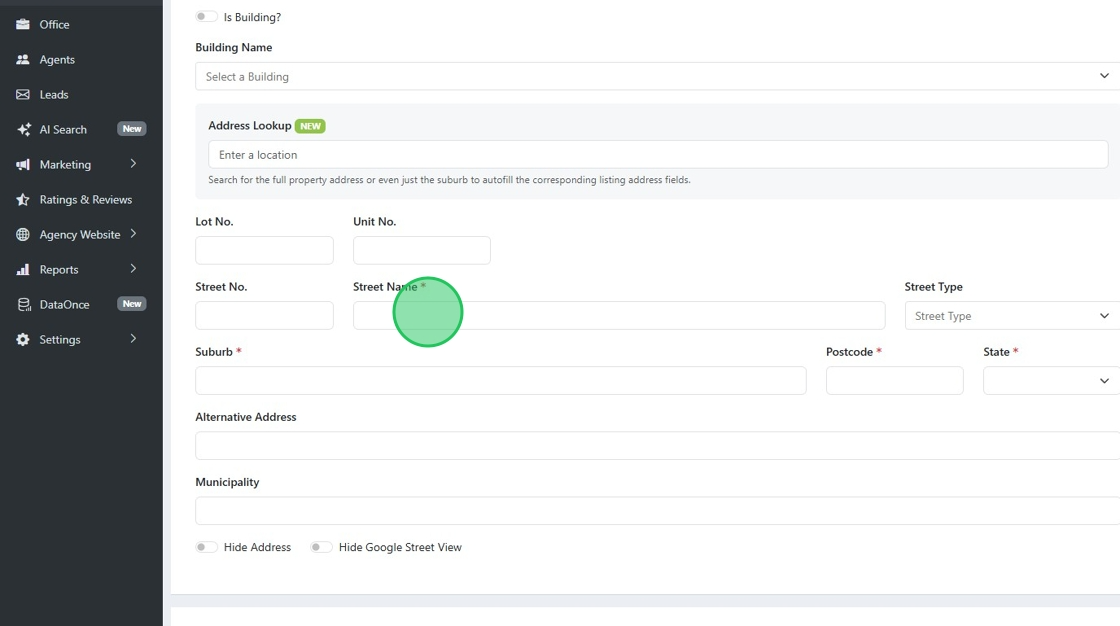
7. Fill out all the required fields. Boxes marked with a red star
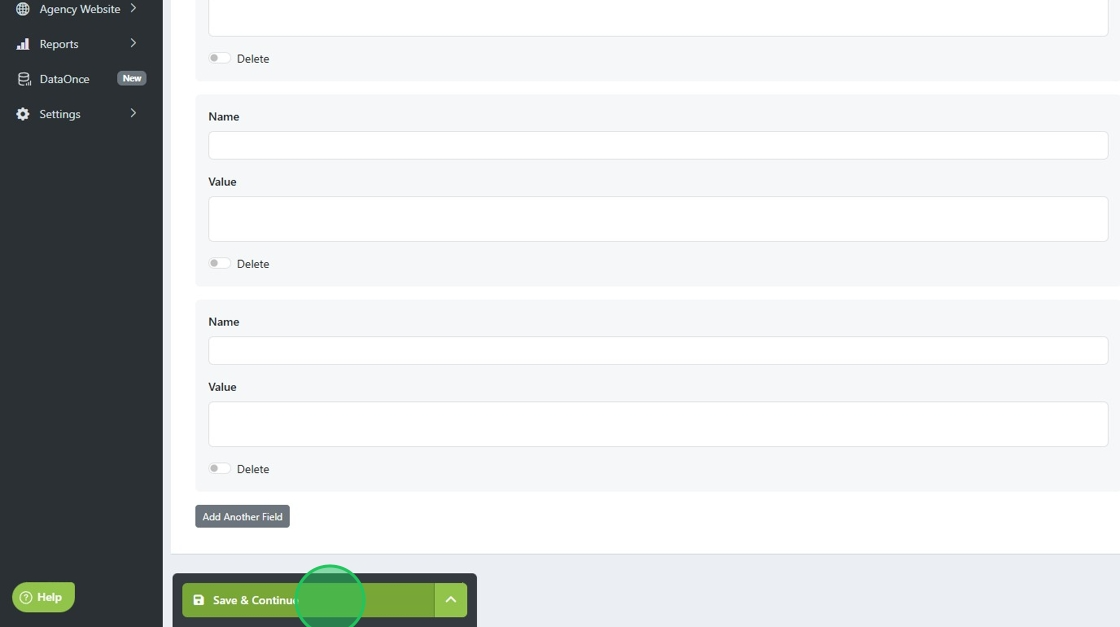
8. Click "Save & Continue" when you have completed the details page.
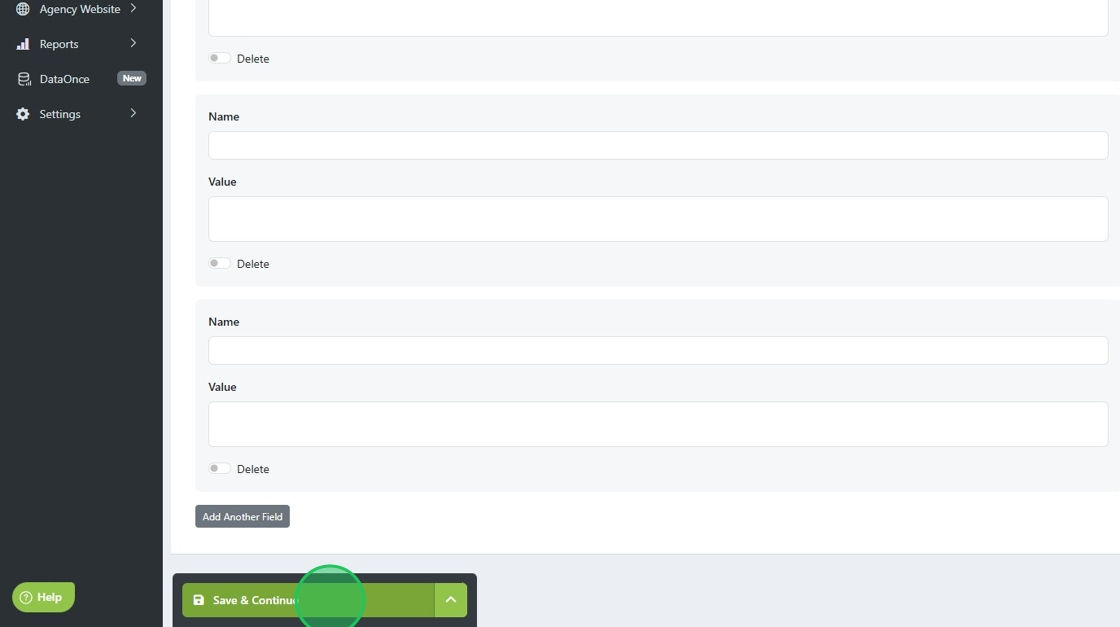
9. Click "Media"
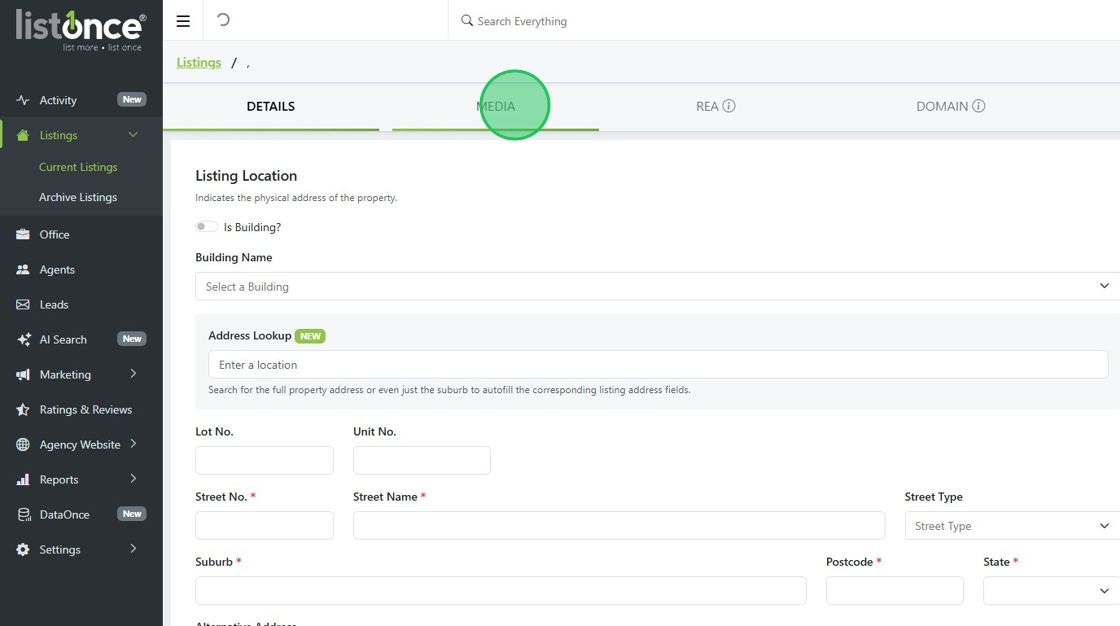
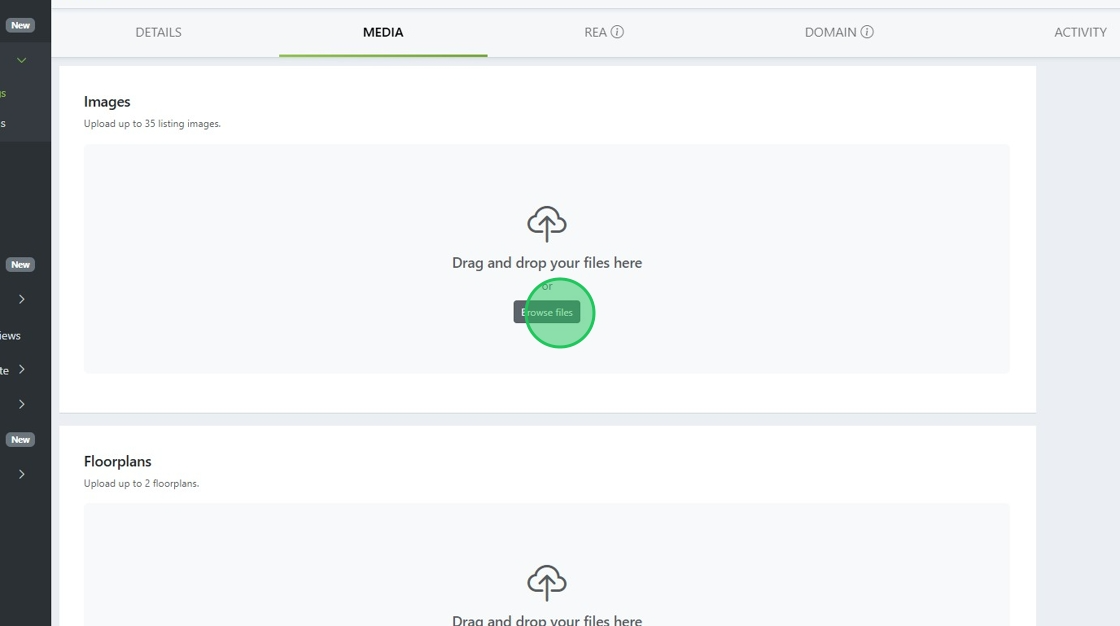
10. Add in images and any supporting documents
11. Click "Save & Continue" when you have completed the media page.
12. Under the multiloading & Integrations hub, toggle off any portals you might have enabled.
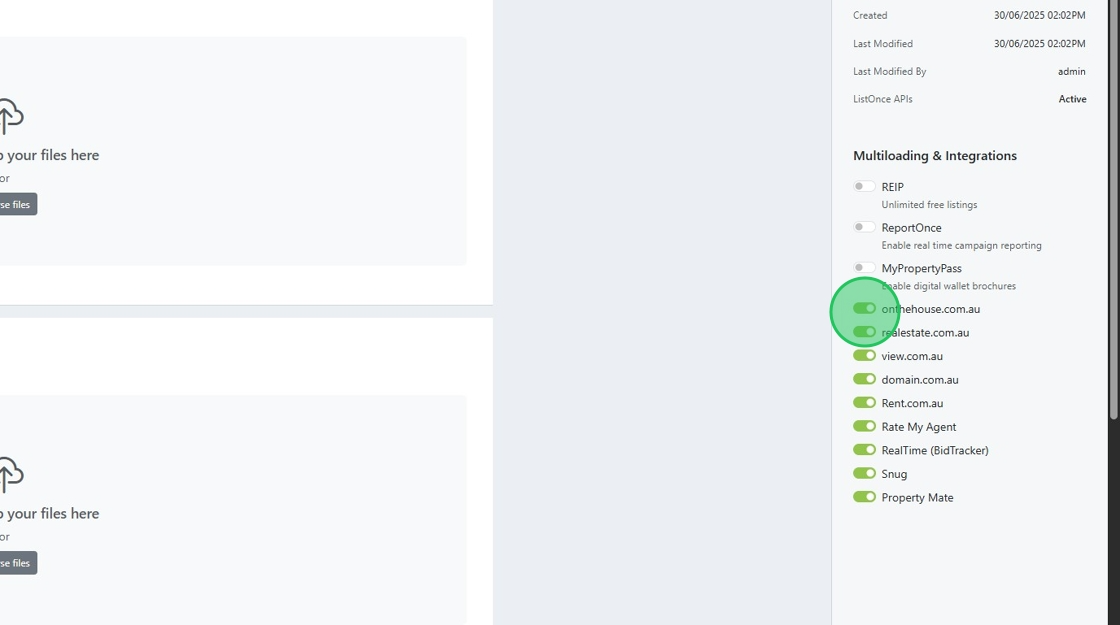
13. Ensure that all Integrations are disabled to publish a listing to only your website.
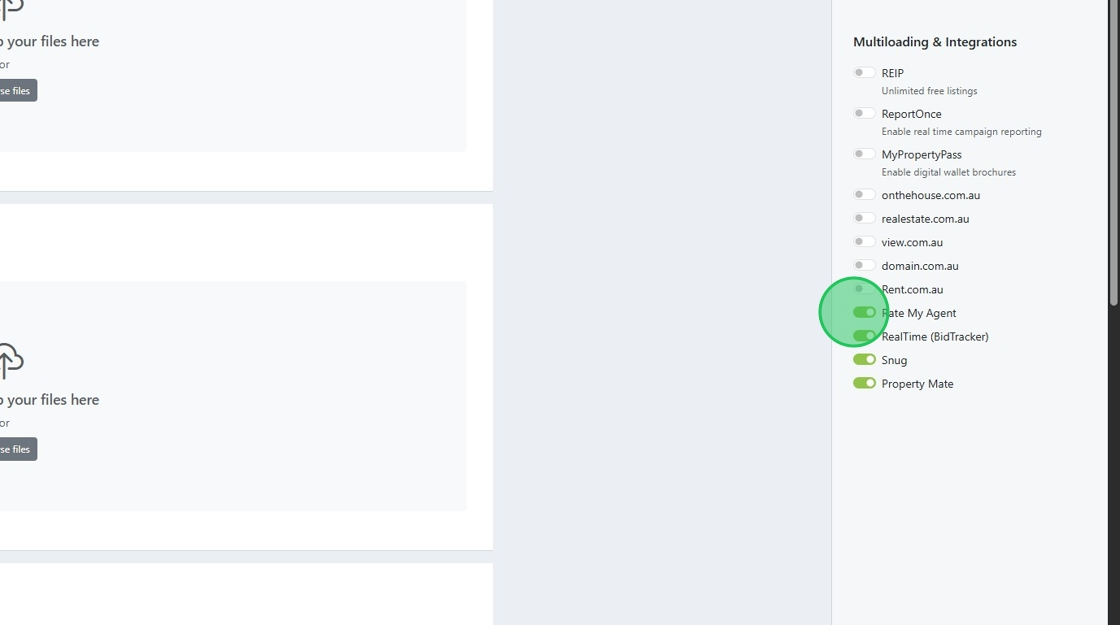
14. Once all portals and integrations are turned off, press "Save & Continue"
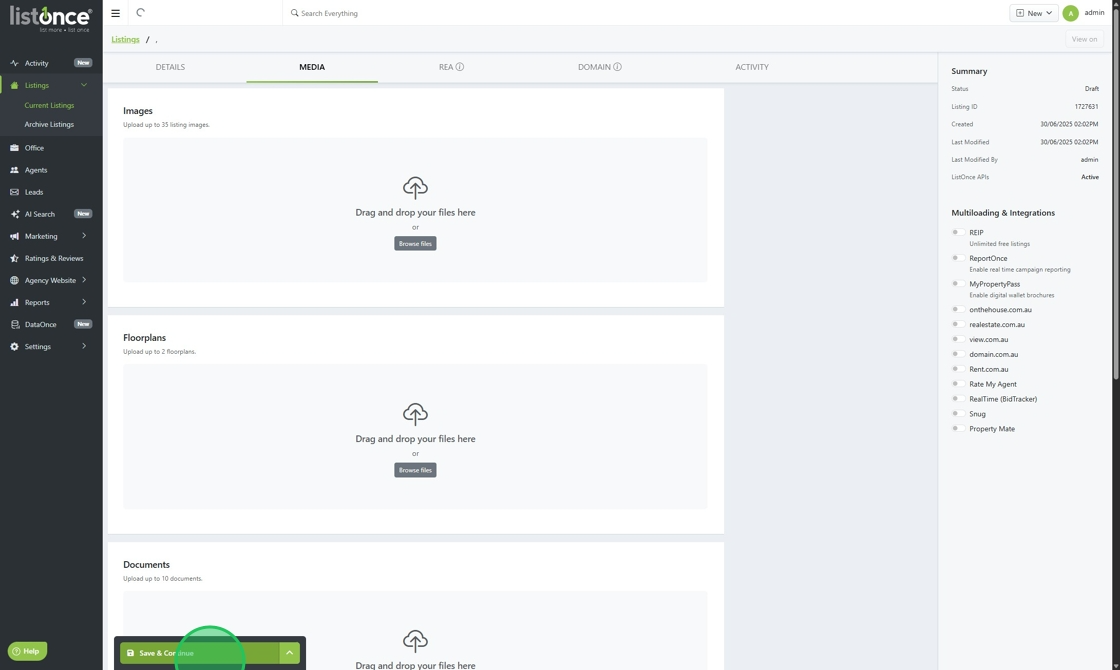
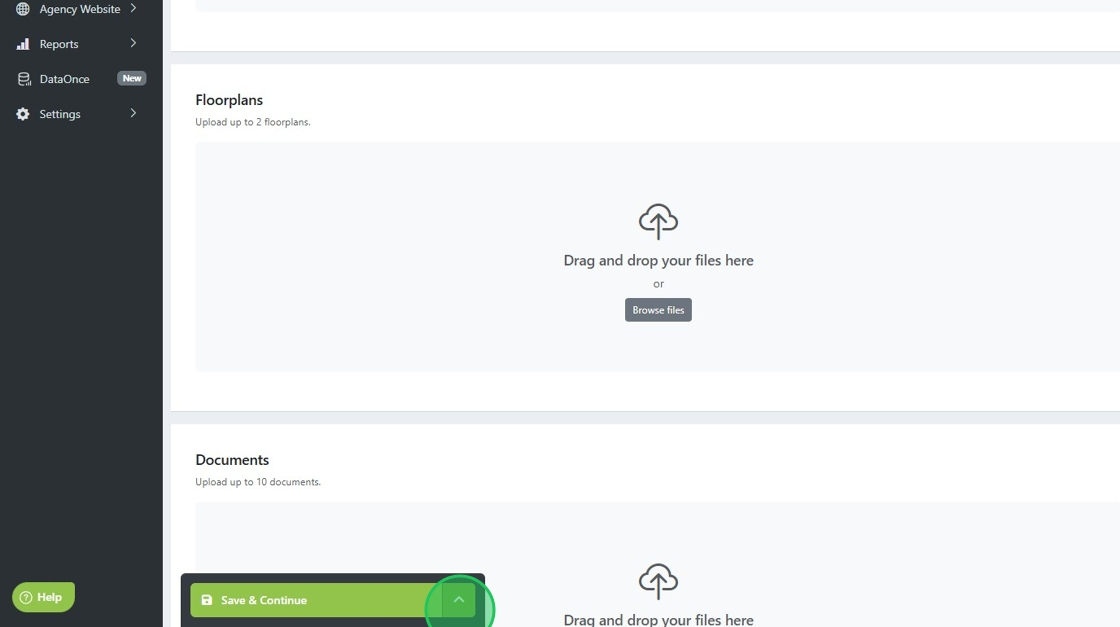
15. Click here.
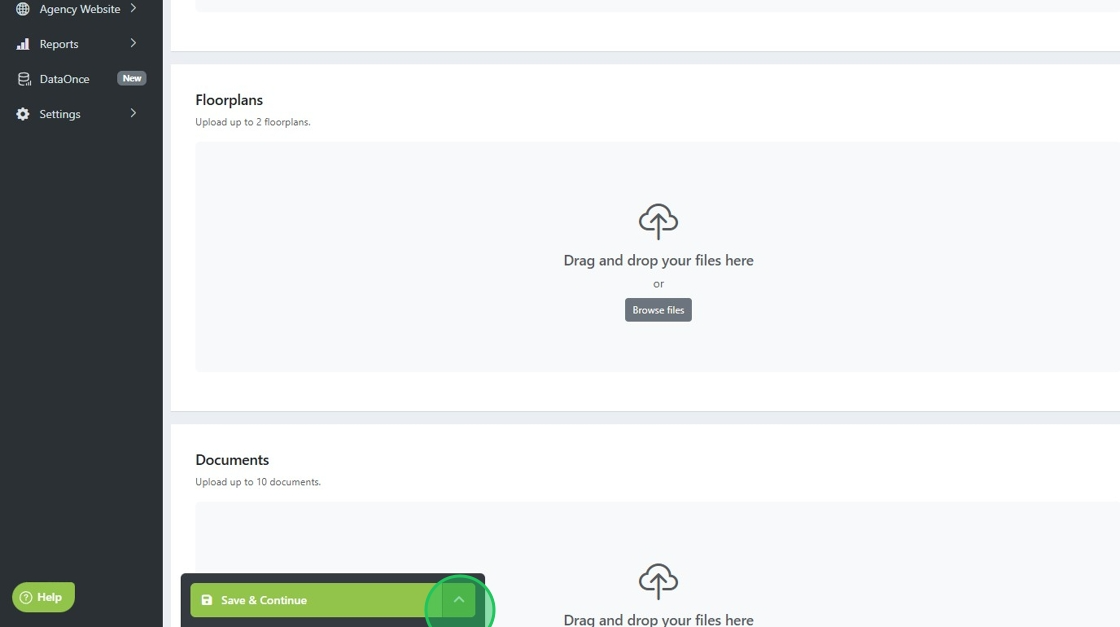
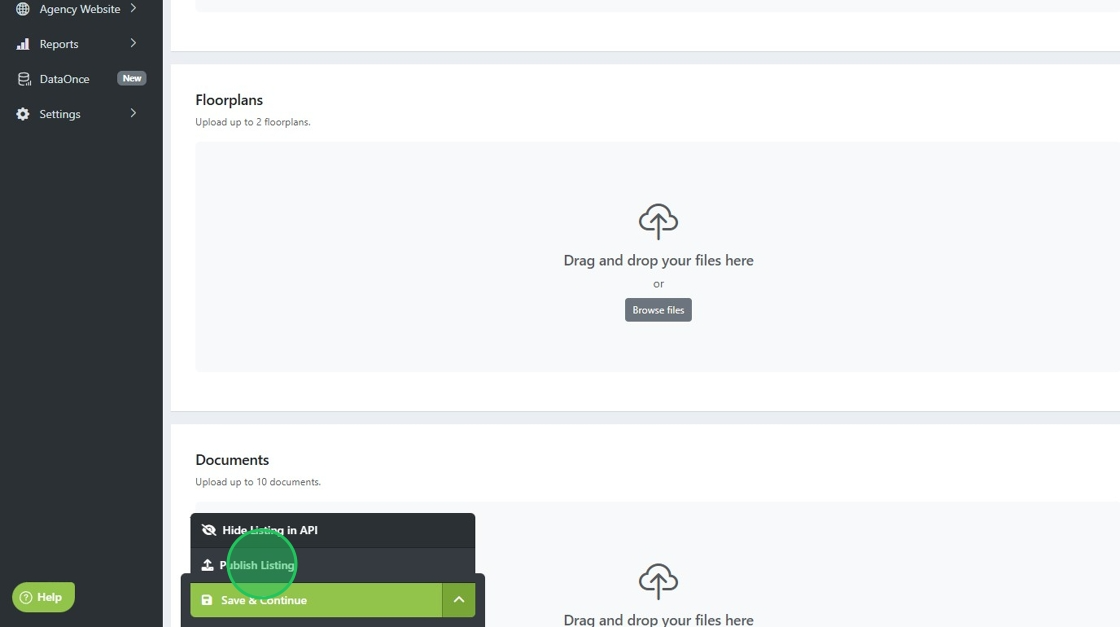
16. Click "Publish Listing"
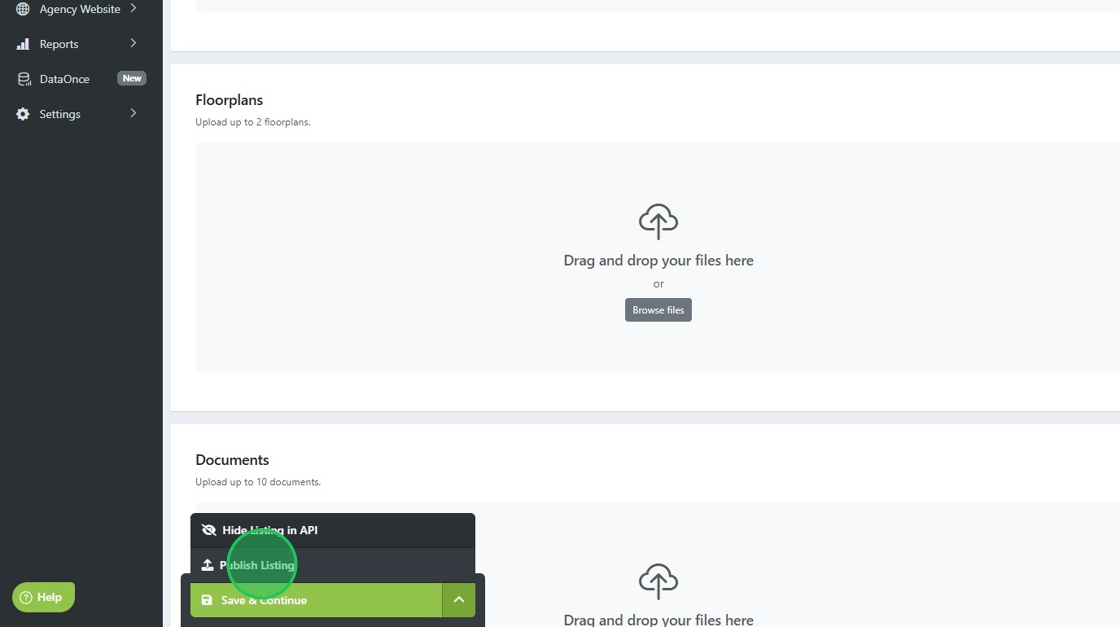
17. Ensure no errors appear, if so you will need to click the tab/field highlighted in red.
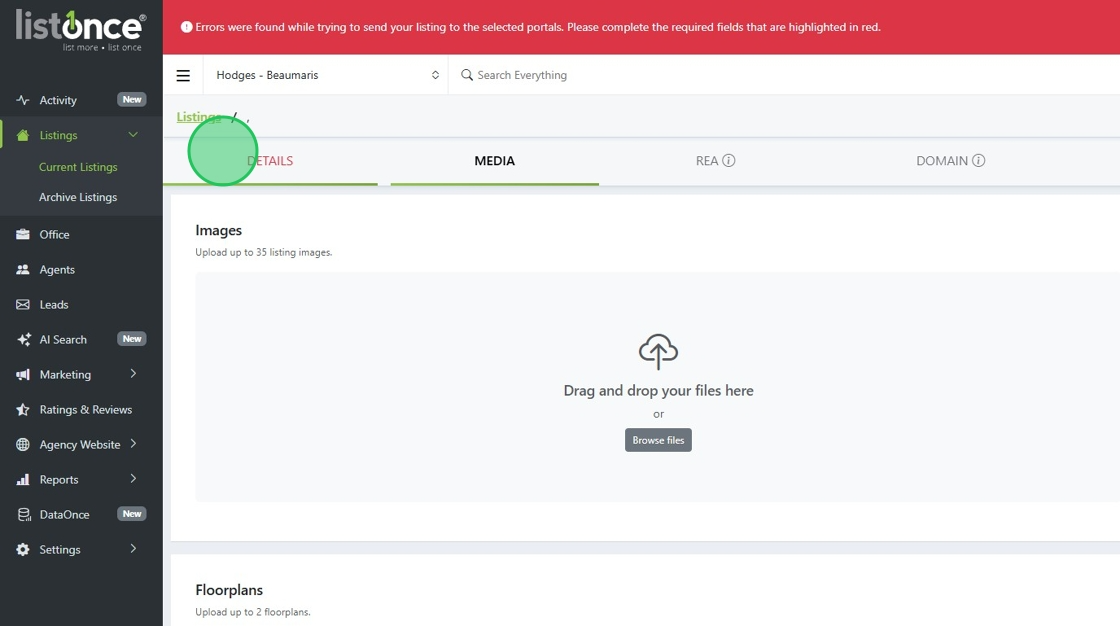
18. Example, any required fields need to be completed before you can publish a listing.
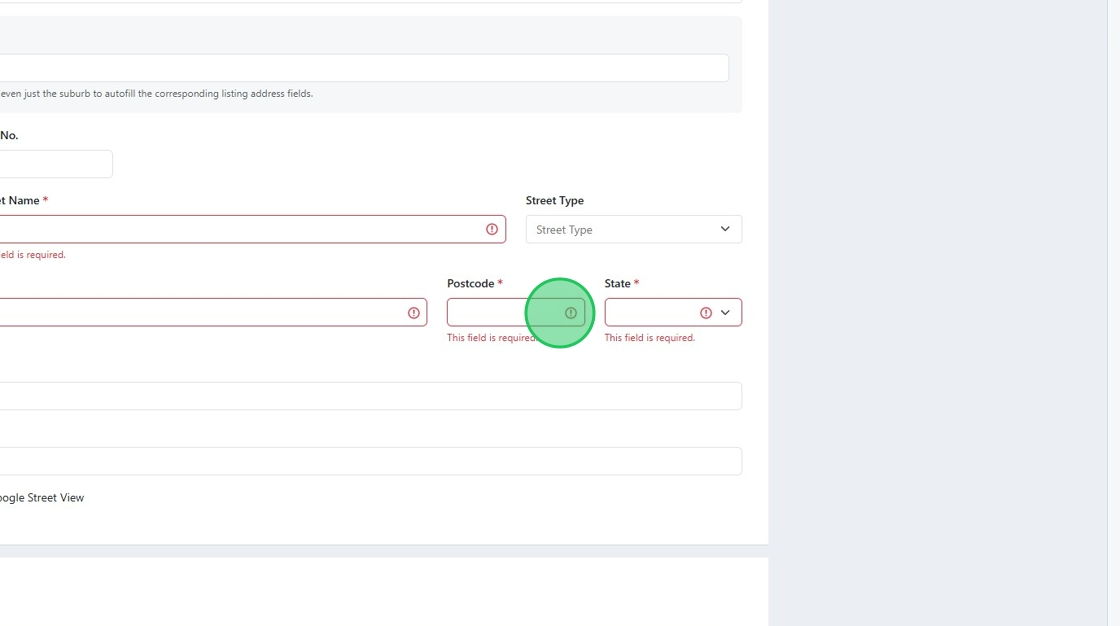
19. Once all errors are fixed, click here.
20. Click "Publish Listing", the listing should appear on your website within 15 to 45 minutes, depending on your website developer.
Was this article helpful?
That’s Great!
Thank you for your feedback
Sorry! We couldn't be helpful
Thank you for your feedback
Feedback sent
We appreciate your effort and will try to fix the article